

BUILT BY A STUDIO OWNER
Everything a portrait studio needs, behind one login.
The phone, the inbox, the client record, the diary, follow up, the sales room and reporting. Built by someone who ran all seven himself, not by a team that has only ever sold software.
$297 plan. AI and phone usage is billed at cost, on top of the $297.
The phone and the inbox
The phone.
One dedicated studio phone number for calls and texts, so enquiries and bookings never get lost across three different apps. Calling works from the moment your number is live. Setup note: texting from that same number needs a verification step with the phone carriers before it can send, which can take a few weeks. Don’t expect same day texting; do expect same day calling.
The inbox.
Every call, text, email and social message lands in a single inbox, attached to the right client’s record automatically. No more digging through your phone, your inbox and your DMs to remember what was said.
More detail: the studio phone system, the unified inbox, missed call text back and AI in Allio. Running the business: studio guides.

The client record and the diary
The client record.
Call recordings and history sit in one place against the right client, so any team member can pick up a conversation without asking the client to repeat themselves.
The diary.
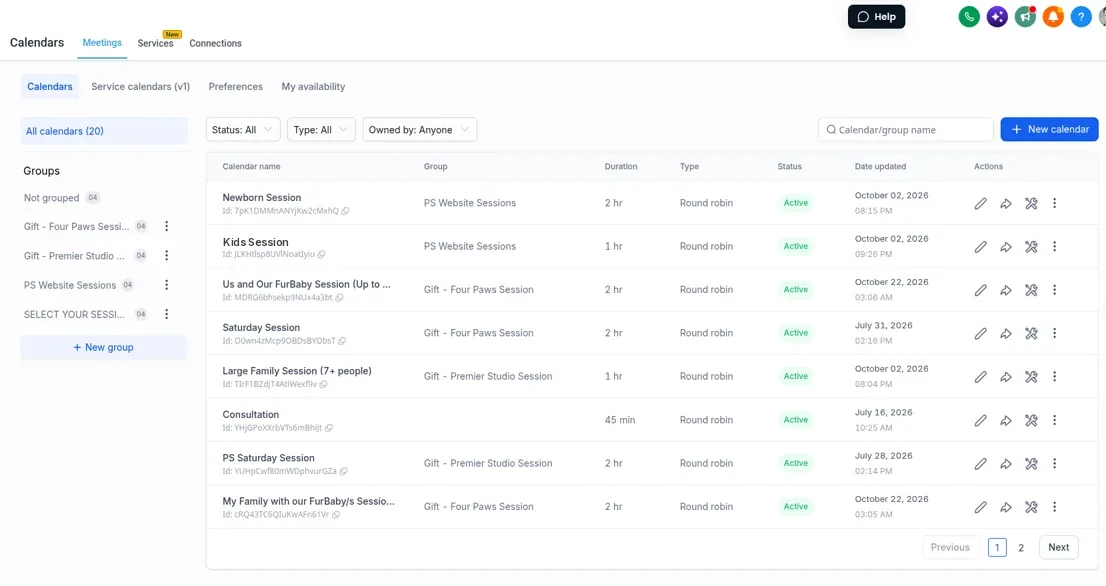
A visual view of every enquiry, from first contact through to booked session, so you always know what’s about to close and what’s gone quiet. Online booking drops straight onto your own calendar, with automatic reminders, so a client can book a session time without a back and forth phone call. Setup note: syncing to your personal calendar takes a one-time connection step.

Follow up
Automatic follow-up messages go out when a lead goes cold, so no enquiry falls through the cracks because nobody remembered to chase it. The booker still closes the sale. The system just makes sure nothing slips while they’re busy on the phone with someone else.
A social media planner for your studio
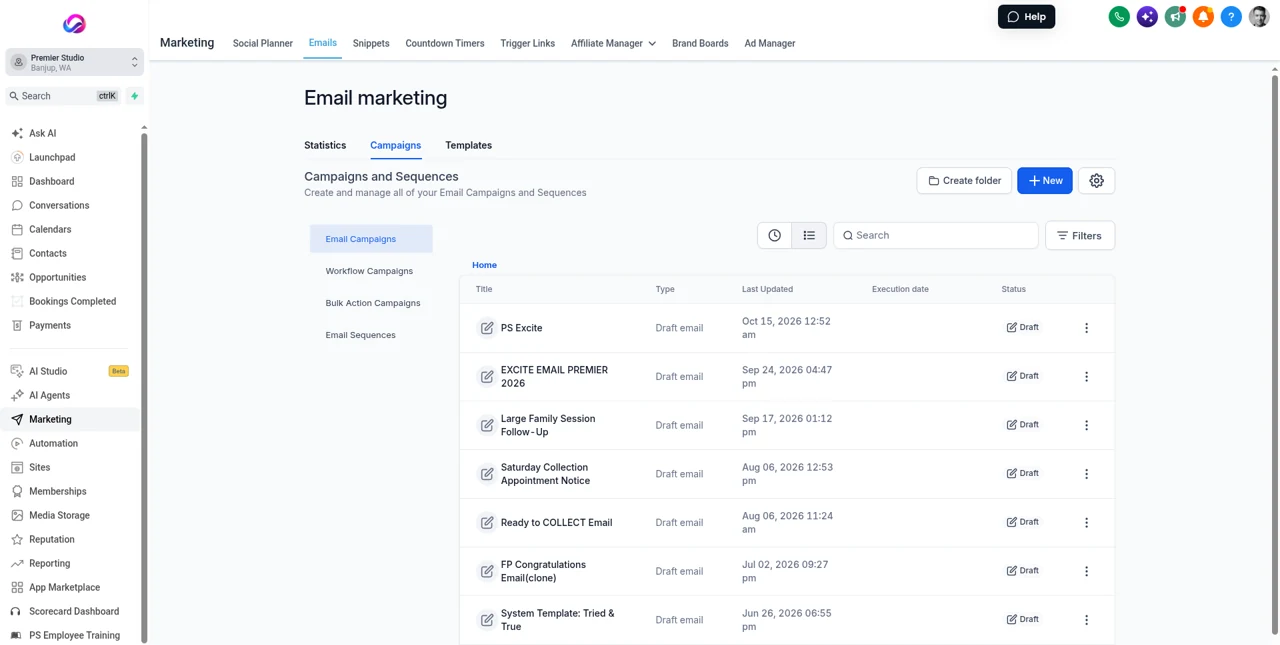
Plan and publish your studio’s Facebook and Instagram posts from inside Allio, in the same place as your enquiries and bookings. The Social Planner shows the whole month on a calendar, or as a list with each post’s date, account and status. When you’re stuck for words, the AI helps you draft captions in your studio’s voice.
- Post to Facebook and Instagram, and to Pinterest once it’s connected.
- Turn a five-star review into a ready-made post.
- See every post for the month on the calendar or the list.

The sales room, orders and reporting
The sales room and orders.
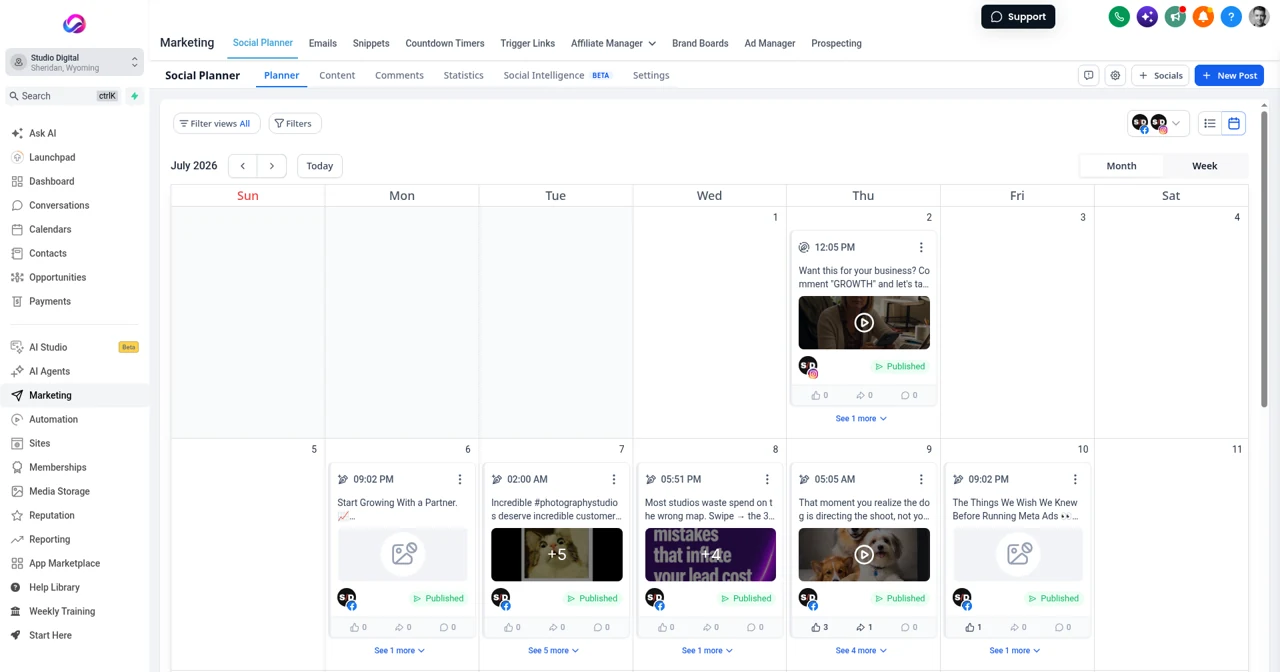
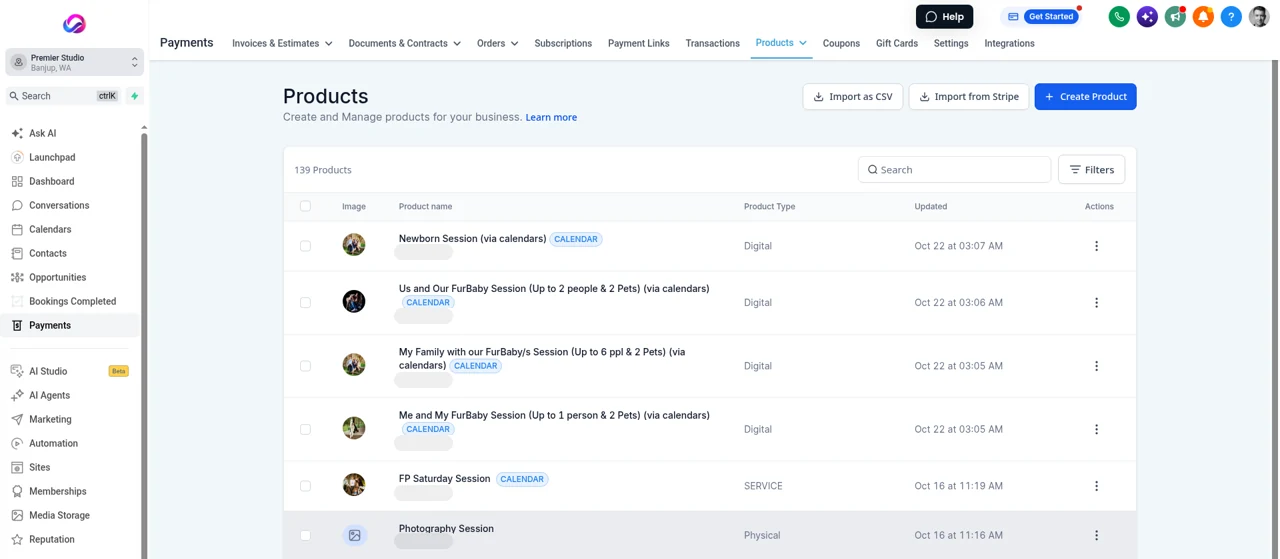
If your studio sells prints and albums through your in-person sales software, closed sales can flow straight into the client record and invoicing automatically, so a sale made on the day doesn’t get re-typed later. A client can split a large order, wall art included, into instalments with automatic collection, instead of you chasing a series of payments by hand. Setup note: this integration is set up for you as part of onboarding, not something you switch on yourself day one.
Send an invoice, take a deposit, or send a contract with a signature straight from a text or email thread. Setup note: this needs your studio’s own payment account connected once before it works.
Reporting.
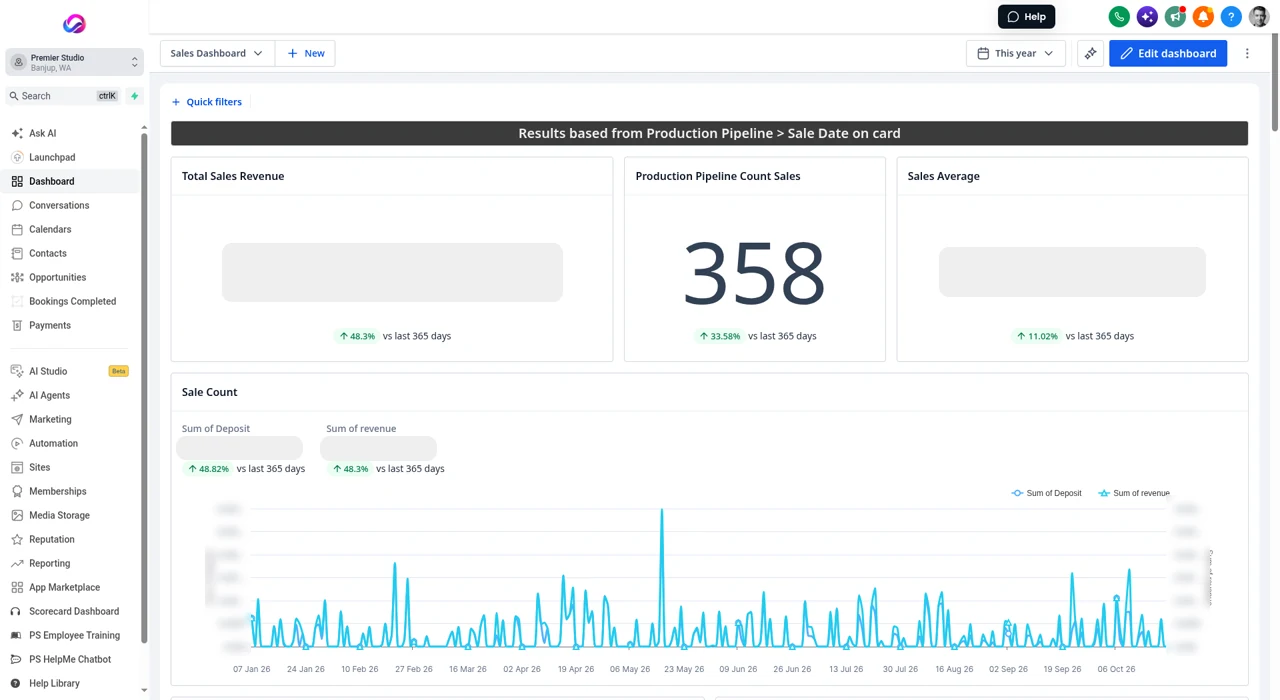
Automatic requests for a review after a session pull your Google and Facebook reviews into one place, so you’re not logging into three different sites to keep on top of your reputation. Setup note: this needs your Google Business Profile and Facebook Page connected first. For a full view of how your phones are performing, calls answered, calls missed and how your team is handling the load, see the Call Reporting Dashboard, included in the $297 plan at no extra charge.

See exactly what it costs
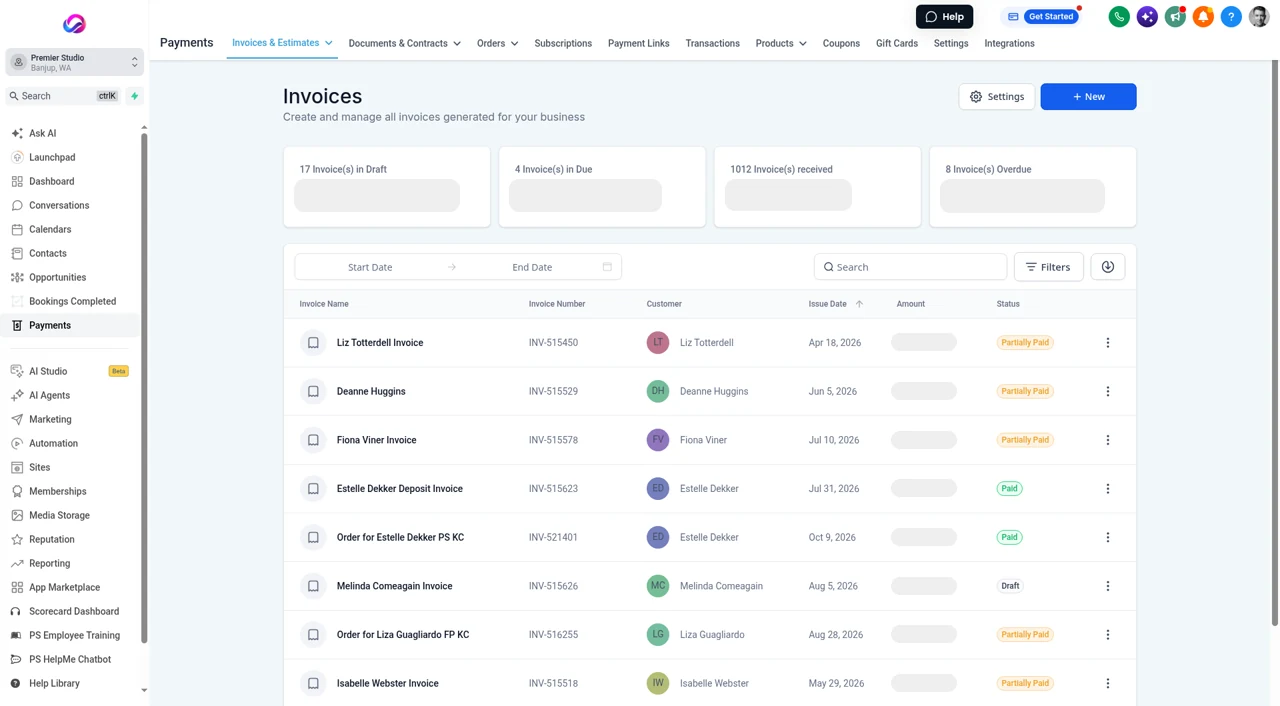
No per seat fees, no contact limits. AI and phone usage is billed at cost on top of the $297, and email at wholesale rates, disclosed plainly.