
STUDIO GUIDE
Texting verification for US studios (10DLC), explained in plain words
In the US, a business that texts clients from an ordinary local phone number has to register with the mobile carriers first. This is often called 10DLC registration. You tell them who your business is and what kind of texts you’ll send, with sample messages and how clients agree to receive them. Carriers now block most unregistered business texts. Calling isn’t affected, so you can take calls on day one while your texting is reviewed, which can take a few weeks.
By the Allio team. Updated 22 October 2026.

Why the carriers ask
Spam texts made many people wary of messages from numbers they don’t know. So the US mobile carriers now want every business that texts from a normal ten-digit number (that’s what the “10DLC”, ten-digit long code, stands for) to say who it is and what it sends. Registration is how the carriers enforce this: they now block most unregistered business texts from local numbers.
It applies whatever software you use. It isn’t a photography rule or a software rule. It’s the carriers’ rule for every business texting US mobiles.
The two parts: who you are, and what you’ll send
1. Your business (the “brand”). Your legal business name, business type, tax ID, address, website and a contact person. The details are checked against official records, so they have to match exactly.
2. Your messages (the “campaign”). What you’ll text clients about, a short description, sample messages (usually two or more), how clients agree to receive texts, and how they opt out.
Once both are approved, your studio number is attached to them and texts start flowing.
Who actually fills in the form
You don’t apply to each carrier yourself. The software or phone company that sends your texts submits the registration on your behalf, usually from a form in its settings. You supply the business details, describe your messages and paste in your samples. They pass it to the industry registry the carriers use, and the result comes back to you.
That’s why the details have to be right first time: you’re writing for a reviewer who has never heard of your studio and only sees what you typed.
What to have ready before you start
- Your legal business name, exactly as it appears on your tax records. A trading name on its own often causes a rejection.
- Your tax ID. For most studios, the EIN. If you’re a sole proprietor without one, there’s a separate sole proprietor route with tighter limits, such as one phone number, and a code sent to your own mobile to confirm it’s you.
- A live website on your own domain that matches the business name, with your contact details.
- A privacy policy on that website saying how you use phone numbers, and that you don’t sell or share them for others’ marketing.
- Text opt-in wording on your enquiry and booking forms (example below).
- Two or more sample messages written the way you’ll really text.
Sample messages that match a studio
Samples should name your studio, match what you said you’ll send, use [brackets] for the parts that change, and show how to opt out.
Fictional example. Fernhill Portrait Studio is made up.
“Hi [first name], this is Ellie at Fernhill Portrait Studio. Thanks for your enquiry about a [session type] session. Would [day] at [time] suit you? Reply STOP to opt out.”
“Fernhill Portrait Studio: a reminder that your session is on [date] at [time] at [location]. Reply here if you need to change it. Reply STOP to opt out.”
“Fernhill Portrait Studio: your gallery is ready. View it here: [link to your own website]. Reply STOP to opt out.”
If you’ll send promotions, such as mini session announcements, say so and include a sample. Carrier rules, and US law in many cases, expect express written consent for marketing texts, so only send them to people who ticked yes.
Opt-in wording for your forms
Clients have to agree to texts before you send them, and you need to describe how they agree. A tick box on your enquiry form works well. Leave it unticked, and don’t make it required to submit the form:
Fictional example. Fernhill Portrait Studio is made up.
[ ] “Yes, Fernhill Portrait Studio may text me about my enquiry and bookings. Message frequency varies. Message and data rates may apply. Reply STOP to opt out or HELP for help. See our privacy policy: [link].”
Use a separate tick box if you want permission for promotional texts too. A client who texts you first can be answered: replying to their message is part of the conversation they started.
Writing the campaign description
The description tells the reviewer, in a few sentences, who gets your texts and why. Keep it specific to your studio:
Fictional example. Fernhill Portrait Studio is made up.
“Fernhill Portrait Studio is a family and newborn photography studio in Portland, Oregon. We text clients who enquire through our website, call us or text us first, to reply to their enquiries, confirm and remind them about photo sessions, and tell them when their gallery is ready. Clients opt in with an unticked box on our enquiry and booking forms. Every message names the studio and says how to opt out.”
Then make sure your sample messages and your website match every claim in it.
Sole proprietor or standard business?
If your studio has an EIN, register as a standard business. The sole proprietor route is for small businesses and individuals without one. It’s quicker to set up, but comes with tighter limits, such as one phone number and lower sending volumes, so it suits a photographer working alone who mostly replies to enquiries. If you plan to hire, add a second number or send seasonal mini session announcements, the standard route is usually the better fit.
Why applications get rejected
- The business name doesn’t match the tax ID records
- The website is missing, not live, or doesn’t match the business name
- No privacy policy, or one that says numbers may be shared
- Sample messages don’t match the description, or don’t name the studio
- No clear description of how clients opt in
- Links through public link shorteners, which can hide who’s sending
Each rejection means fixing the problem and waiting again, so check these before you submit.
How long it takes, and what works meanwhile
It can take a few weeks, and longer if an application is rejected and resubmitted. Start it on the first day you set up your studio number.
While you wait:
- Calls work straight away. You can answer and make calls on your studio number on day one.
- Instagram, Facebook, website chat and email work as soon as they’re connected.
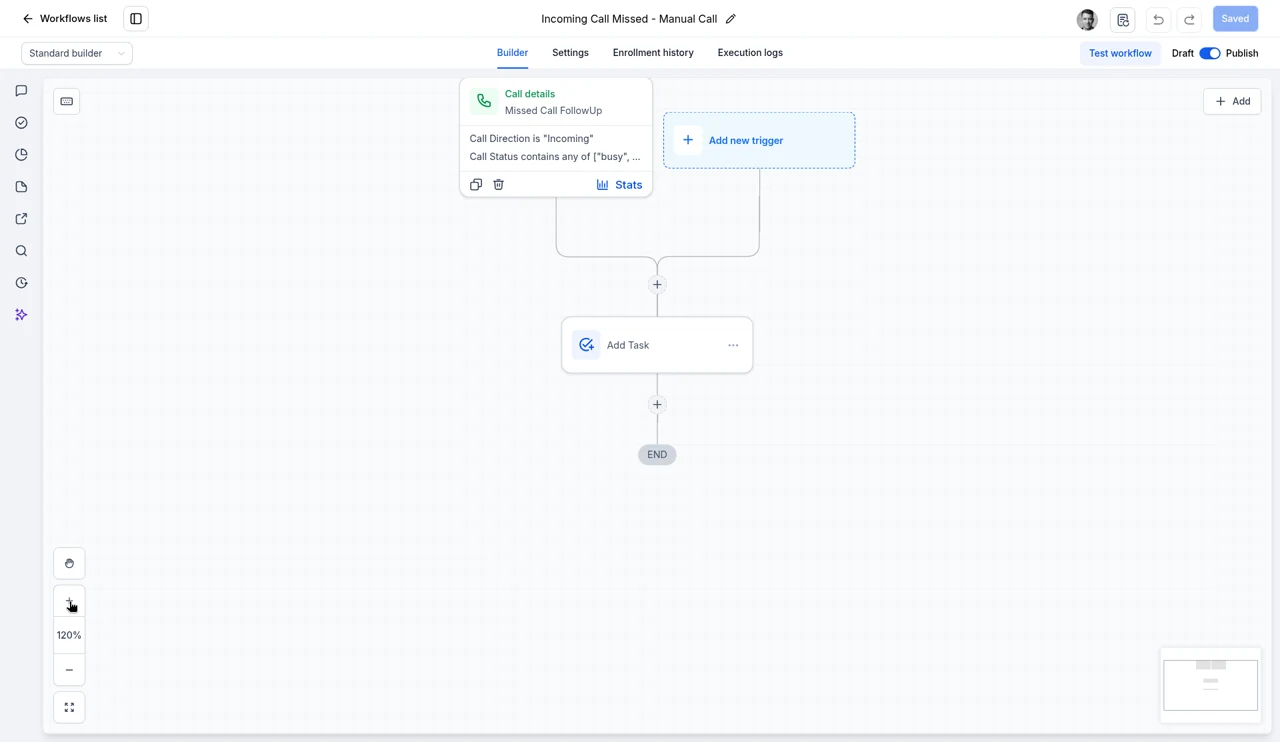
- Text-based automations, such as a text back for missed calls, start once texting is approved.
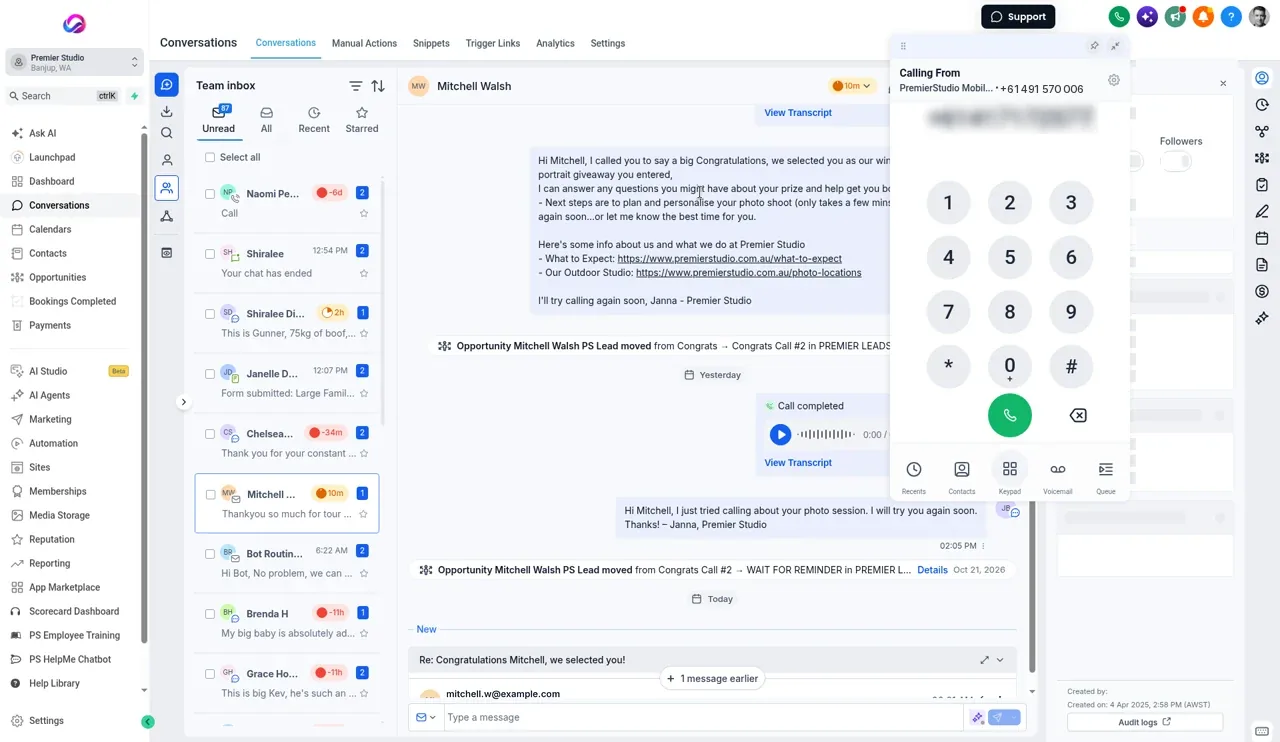
Where Allio fits: In Allio, you fill in the texting verification from your phone settings, and calling works from the day you sign up. See the studio phone system and pricing.
After you’re approved
- Send the kinds of texts you registered, and register again if you start something different, such as promotions
- Honour STOP, and other plain requests like “please stop texting me”, straight away
- Only text people who agreed, and never use a bought or shared list
- Keep texts useful and timely: reminders, replies and updates clients want
This guide covers the US. 800 numbers and similar national numbers have their own verification, and other countries have different rules.
This guide is general information, not legal advice. Carrier rules change, and some US states have their own texting laws, so check the current rules for your state, or ask a lawyer, before you send marketing texts.
Texting verification questions
What is 10DLC registration?
It’s how US mobile carriers verify businesses that text from ordinary ten-digit local numbers. You register your business and the kind of messages you’ll send. Carriers now block most unregistered business texts.
Do photographers need 10DLC registration?
Yes, if you text US clients from a local business number through any software. It applies to every business that texts that way, not only photographers.
How long does texting verification take?
It varies and can take a few weeks, longer if an application is rejected. Start it as soon as you have your studio number.
Can I take calls before texting is approved?
Yes. Verification only affects texting. Calls work straight away.
Do I need a website to register?
For a standard business registration, yes: a live website that matches your business name, with a privacy policy. The sole proprietor route has different requirements and tighter limits.
What happens if a client replies STOP?
You must stop texting them. Most systems record the opt out automatically, and plain requests like “stop texting me” should be honoured too.
Sources
- CTIA Messaging Principles and Best Practices, May 2023 (consent, opt-out, link shorteners): api.ctia.org/wp-content/uploads/2023/05/230523-CTIA-Messaging-Principles-and-Best-Practices-FINAL.pdf
- The Campaign Registry, the registry carriers use for business texting: campaignregistry.com
- The Campaign Registry, campaign service provider user guide, July 2026 (sample messages): campaignregistry.com/wp-content/uploads/CSP-User-Guide_Jul_2026_v2.pdf
Checked 22 October 2026.
Take calls on day one while your texting is verified.
The trial is seven days, card required, and you can be in within minutes.
Want the story first? Read who built Allio and why, or see what a call about Allio covers.
$297 per month. Card required. AI and phone usage is billed at cost, on top of the $297.