
STUDIO GUIDE
Photography email and text templates for every stage of a client's journey
Most portrait studios send the same dozen messages to every client: a booking confirmation, prep guide, reminders, viewing details, a gallery or order update, a thank you, a review request and a rebooking invitation. Writing each one well once, then reusing it, saves hours and makes every client feel looked after. Below are copy-ready templates for each stage, with a short text version and an email version where both are useful. Every template is a fictional example: swap in your own details and tone.
By the Allio team. Updated 22 October 2026.

How to use these templates
- Texts for short, time-sensitive messages: confirmations, reminders, “it’s ready”.
- Emails for longer information: prep guides, order summaries, policies.
- Personalise the first line every time, even when the rest is a template.
- Send each one at a set point, ideally automatically, so nothing depends on memory.
For replies to new enquiries, see our inquiry response templates.
1. Booking confirmation
Fictional example. The names, dates and studio are made up. Replace the [brackets] with your own details.
Text: “You’re booked! Your newborn session with Fernhill Portrait Studio is pencilled in for around [due date], and we’ll confirm the exact day once baby arrives. Your booking fee is received, thank you. Ellie”
Email subject: Your session is booked
Email: “Hi Priya, thank you for booking with us. Here are your details: [session type], [date and time], [location]. Your booking fee of [amount] has been received and will come off your session fee. Next, I’ll send a short questionnaire so we can plan the session around you. Any questions, just reply here. Ellie”
2. Questionnaire request
Fictional example. The names, dates and studio are made up. Replace the [brackets] with your own details.
“Hi Tom, so we can plan your family session around you, could you fill in this short questionnaire? It takes about five minutes: [link]. Thank you! Ellie”
See what to ask.
3. Session prep guide (one week before)
Fictional example. The names, dates and studio are made up. Replace the [brackets] with your own details.
Email subject: Getting ready for Saturday
“Hi Tom, one week to go! A few tips: choose outfits in two or three colours that work together, avoid big logos, and bring a snack and a favourite toy for Leo. We’ll meet at [location] at 9:20, and parking is [details]. If anything changes, just reply. Ellie”
4. Session reminder (two days before)
Fictional example. The names, dates and studio are made up. Replace the [brackets] with your own details.
“Hi Tom, see you Saturday at 9:20am at [location]! Could you reply YES to confirm? If you need to change anything, let me know. Ellie”
See how to reduce no-shows for the full reminder sequence.
5. Thank you after the session
Fictional example. The names, dates and studio are made up. Replace the [brackets] with your own details.
“Thank you for this morning! Leo was a star once the truck came out. I’ll have your images ready to view on [date] at [time]. Can’t wait to show you. Ellie”
6. Viewing reminder, or gallery ready
Fictional example. The names, dates and studio are made up. Replace the [brackets] with your own details.
Viewing: “Hi Tom, just a reminder that your viewing is on [day] at [time] at the studio. It takes about an hour, and it’s best if everyone who’s choosing can come. See you then! Ellie”
Gallery: “Hi Tom, your gallery is ready! View it here: [link]. It’s open until [date], so take your time choosing your favourites. Ellie”
7. Order confirmation and update
Fictional example. The names, dates and studio are made up. Replace the [brackets] with your own details.
Email subject: Your order summary
“Hi Tom, thank you for your order. Here’s what you chose: [products]. Total: [amount], with [amount] paid today and [amount] due on [date]. Products usually take about [time] to arrive, and I’ll let you know as soon as they’re ready. Ellie”
Text when ready: “Great news, your prints are ready to collect! Would [day] or [day] suit?”
8. Review request
Ask a few days after delivery, when they’re enjoying the photos. Ask every client, and make it easy:
Fictional example. The names, dates and studio are made up. Replace the [brackets] with your own details.
“Hi Tom, I hope the prints look lovely on the wall! If you have a minute, a Google review would mean the world to a small studio: [review link]. Thank you so much. Ellie”
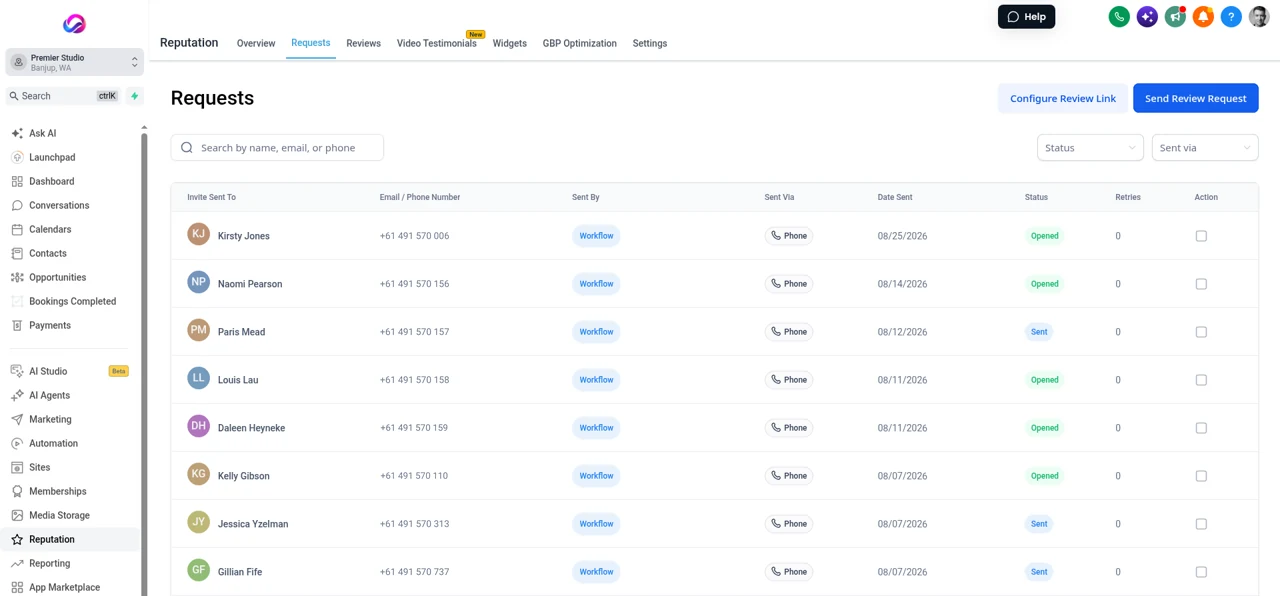
See how to get more Google reviews, including what not to offer in return.
9. Rebooking invitation
Fictional example. The names, dates and studio are made up. Replace the [brackets] with your own details.
“Hi Tom, it’s been almost a year since your family session, and I bet Leo has grown! Our autumn sessions open next week, and past clients get first pick of dates. Would you like me to hold one? Ellie”
This is a marketing message, so send it only to clients who agreed to hear from you, with an easy way to opt out. Send it at the right moment: a birthday, the same season next year, or a first birthday after a newborn session.
10. Mini session announcement (for clients who opted in)
Fictional example. The names, dates and studio are made up. Replace the [brackets] with your own details.
Email subject: Autumn mini sessions: past clients first
“Hi Tom, our autumn mini sessions are on [date] at [location]: 20 minutes, [number] images, [price]. You’re getting this before we announce them publicly. Book here: [link]. Ellie. Fernhill Portrait Studio, [postal address]. Don’t want offers like this? [Unsubscribe link]”
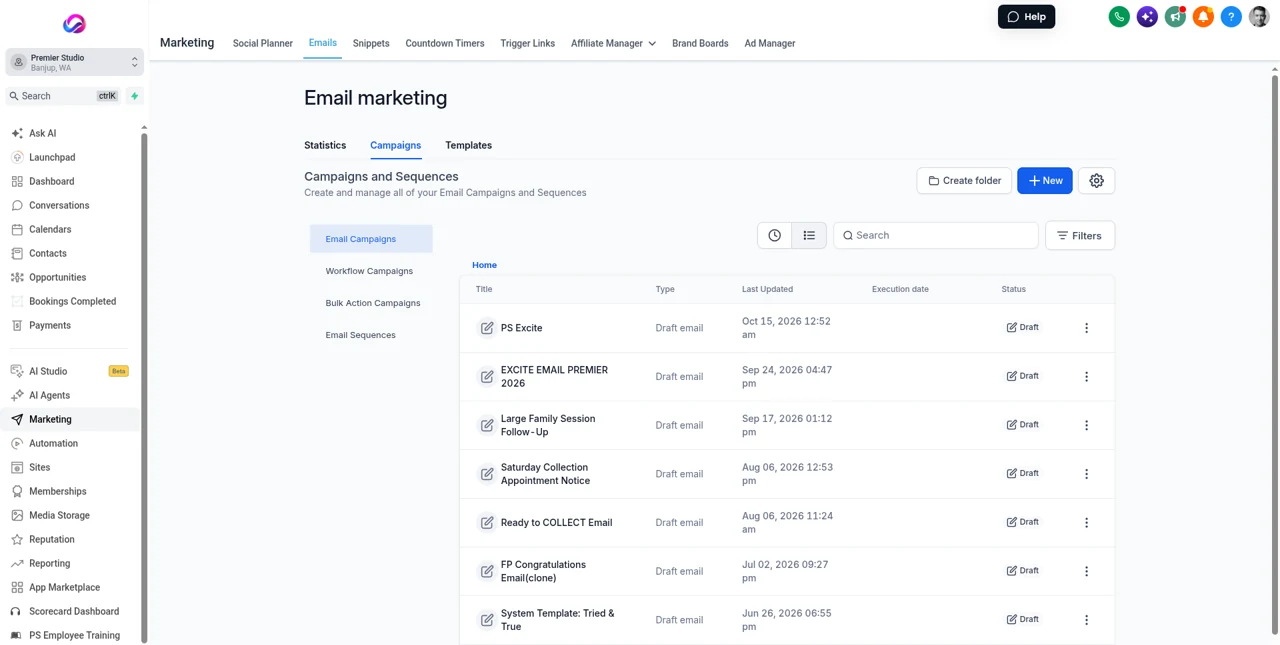
Only send promotional emails and texts to people who agreed to receive them, and make opting out easy. In the US, marketing emails must identify your studio, include your postal address and have a working unsubscribe link. Marketing texts should only go to clients who gave written consent, with a way to stop, such as “Reply STOP to opt out”. In Australia, the Spam Act 2003 requires consent, clear identification of your studio and a working unsubscribe in every marketing email and text. This is general information, not legal advice: check the rules where you and your clients are.
Keep the tone consistent
- Write the way you speak to clients in person
- Use first names, short sentences and one clear next step
- Sign every message as a person, with the studio name
- Read your templates aloud once a year and update anything that sounds stiff or out of date
Where Allio fits: In Allio you can save these as templates in the unified inbox, send them automatically at each stage with workflows, and use AI content to draft new versions in your own tone.
Set them to send automatically
Once your templates are written, tie each one to a moment: booking made, one week before, two days before, session finished, order delivered. Automation means every client gets the same care, even in your busiest month. Check the automations once a season, and update dates, prices and links.
Template questions
What emails should a photographer send clients?
A booking confirmation, questionnaire request, prep guide, reminders, a thank you, viewing or gallery details, an order summary, a review request and a rebooking invitation.
Should I text or email clients?
Text for short, time-sensitive messages like reminders, and email for longer information like prep guides and order summaries. Only text clients who agreed to it. In the US, business texting needs carrier verification first, which can take a few weeks.
How do I make templates sound personal?
Personalise the first line every time, use the client’s name and one detail from their session, and sign as a person.
When should I ask for a review?
A few days after the client receives their images or products, while they’re enjoying them.
Can I send mini session announcements to past clients?
Only to people who agreed to receive marketing messages, with your studio’s name and an easy way to opt out in every message. Rules differ by country, so check the rules where you work.
How many automated messages is too many?
If every message is useful and expected, a dozen across a client’s journey is fine. Cut anything that repeats information or doesn’t help the client.
Should templates be different for each session type?
Keep the structure the same and change the details. A newborn prep guide covers feeding and warmth, a pet prep guide covers treats and leads, and a boudoir guide covers privacy and what to bring.
Send the right message at every stage.
The trial is seven days, card required, and you can be in within minutes.
Want the story first? Read who built Allio and why, or see what a call about Allio covers.
$297 per month. Card required. AI and phone usage is billed at cost, on top of the $297.